


AI got good at giving us answers. Turning those answers and all the context behind them into something a team can actually work with is still another job.
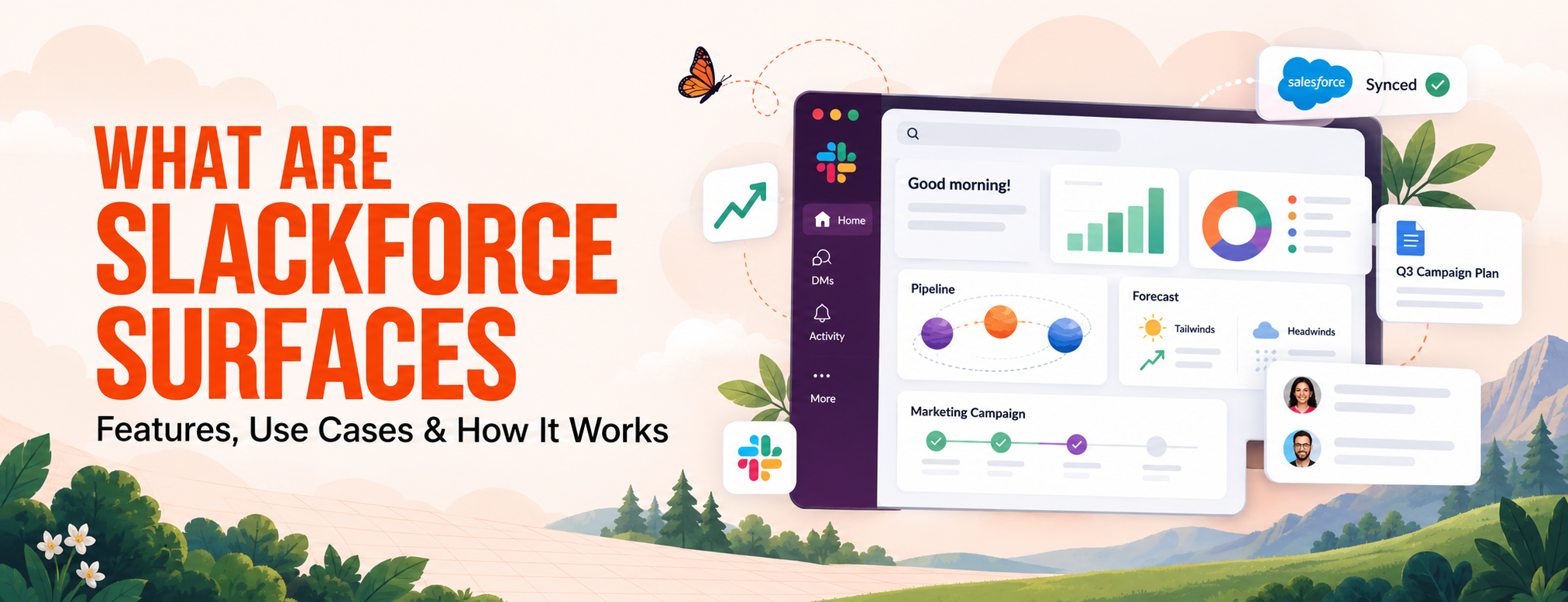
Slackforce Surfaces takes that next step inside Slack.
Ask Slackbot what you need, and the conversation can become an interactive dashboard, report, deck, calculator, or another useful interface built from the data and context already available to you.
This blog breaks down how Slackforce Surfaces work, what you can build, and where they fit into Salesforce and Slack.
Slackforce Surfaces are interactive views that Slackbot can create from a simple request.
You can ask for a dashboard, report, deck, calculator, or another working view, and Slackbot builds it inside Slack using the data and context you already have permission to access.
They sit within the broader Slackforce direction, where Salesforce data, Slack conversations, and connected business systems can be brought into the same workspace.
So instead of pulling information into another tool just to make it usable, teams can work with that information directly inside Slack.
Slackforce Surfaces start with a prompt. Tell Slackbot what you want to understand, track, or present, and it works from the context and data available to you.
You describe the outcome in plain language. It could be a pipeline dashboard, a campaign tracker, a financial report, or an executive presentation.
Slackbot can work with Salesforce data, Slack conversations, and information from connected systems that you have permission to access.
There is no fixed template. Slackbot chooses a format based on the request, whether that is a dashboard, report, deck, calculator, microsite, or another interactive view.
Once created, the Surface becomes a shared place to explore the information, open the records or messages behind it, discuss what is happening, and decide what to do next without leaving Slack.
Slackforce Surfaces do not start with a fixed template. They start with what you need to get done.
You can ask Slackbot for a specific view, report, or presentation, and it decides how to arrange the information based on your request. Salesforce says Surfaces can take the form of dashboards, reports, executive presentations, calculators, microsites, and other interactive experiences.
Think about a sales rep preparing for a pipeline review. Instead of opening Salesforce, pulling the numbers into a spreadsheet, and then arranging them for the meeting, they could ask Slackbot to create a pipeline view that shows which deals are on track, stalled, or at risk.
The same idea applies across teams.
Surfaces can also be designed around how the information needs to be understood. Salesforce, for example, shows a space-themed pipeline where deals are represented visually based on their status, and a weather-themed financial forecast that separates positive factors from business risks.
Slackforce Surfaces make it easier to turn business information into something useful inside Slack. Instead of opening another tool to build a dashboard, report, or presentation, you can start with Slackbot.
Tell Slackbot what you need in plain language.
You can ask for a sales pipeline dashboard, a campaign report, or a presentation for an upcoming review. Slackbot builds the Surface based on your request, and you can keep refining it through the conversation.
Slackforce Surfaces can work with information you already have access to across Slack, Salesforce, and connected business tools.
That could include opportunity data, customer cases, campaign information, or related Slack conversations. The Surface is built around the information your team is already working with.
Surfaces can connect the information shown back to its original source, such as a Salesforce record, Slack conversation, or another connected source.
So if something needs a closer look, users can trace it back instead of treating the Surface as a standalone report.
Not every task needs a dashboard.
Depending on what you ask for, Slackbot can create a report, deck, tracker, calculator, microsite, or another interactive view.
Surfaces can be shared in Slack and added to the places where the related work is already happening.
Team members can view the same Surface, discuss the information, and add comments without moving the conversation elsewhere.
Slackforce Surfaces use the access people already have.
If someone cannot view certain Salesforce data or information from a connected system, creating a Surface does not give them access to it.
Surfaces are static today. If the source data changes, a new Surface needs to be created to pull in the latest information.
Salesforce has announced live data updates, which will allow Surfaces to reflect changes in the source data once the feature rolls out.
Slackforce Surfaces can use more than Slack messages. They can bring together business data and context from Salesforce, Slack, and other connected systems.
Surfaces can use Salesforce records you already have access to, including opportunities, accounts, cases, and campaigns. For example, a pipeline Surface could combine deal amount, stage, probability, and close date with related activity happening in Slack.
Useful context often sits in messages, threads, and channel discussions. A Surface can bring that context alongside CRM data. So a deal may look active in Salesforce, while Slack shows that the buyer has gone quiet or an approval is still pending.
Surfaces can also use information from other business tools connected to Slack. What Slackbot can access depends on the systems connected to the workspace and the permissions already in place.
Slackforce Surfaces do not give users access to data they could not already see. If someone does not have access to a Salesforce record or another connected source, that information should not appear in their Surface.
In short, Surfaces can bring together Salesforce data, Slack context, and connected business information in one view.
Slackforce Surfaces can be useful anywhere a team needs to turn scattered information into something easier to review, share, or act on.
The same feature can look very different depending on the team using it. A sales team may need a pipeline view, while a service team may need a case triage board.
Sales teams can use Slackforce Surfaces to bring pipeline information into one place.
A Surface could show which deals are moving, which ones are stuck, and which opportunities may need attention. Salesforce also shows how CRM data can sit alongside Slack context, such as recent buyer conversations, approval updates, or other activity around the deal.
This can make pipeline reviews easier because the team is not looking at numbers without the conversation behind them.
Marketing teams can use Surfaces for campaign planning, launch tracking, and performance reviews. For example, Slack shows how a go-to-market plan can be turned into an executive presentation that brings together campaign targets, proof points, progress, and approvals.
A marketing team could also use a Surface to track campaign status, keep important updates together, or prepare a view for leadership without rebuilding the information in another tool.
Service teams can use Slackforce Surfaces to organize support work. Salesforce shows an example of a triage board that helps teams see which cases need attention first based on details such as severity, SLA status, and customer tier.
Instead of going through cases one by one, the team can see the important ones together and decide where to focus first.
IT teams can use Surfaces to track technical work, usage, or internal operations. One example from Salesforce focuses on monitoring AI adoption and token usage. A Surface like this could help an IT team keep an eye on usage, cost, and activity without putting together a separate report every time.
The same idea can also apply to project tracking or other internal work where the team needs a quick view of what is happening.
Finance teams can use Slackforce Surfaces to make forecasts and business updates easier to read. Salesforce shows a weather-themed financial forecast where positive factors are shown as tailwinds and risks are shown as headwinds.
The format may be visual, but the purpose is practical: make the numbers easier to understand during a review or discussion.
Surfaces can also help when several teams need to work from the same information. A leadership team could use one for a business review, while a cross-functional launch team could use another to track progress, decisions, and key numbers in one place.
The use case changes from team to team, but the pattern stays the same: bring the relevant information together and present it in a format that fits the work.
Slackforce Surfaces is available today for customers on Enterprise+, Business+, Pro, Legacy, and Free Teams, as long as Slackbot is enabled for the workspace.
There is currently no separate price listed specifically for Slackforce Surfaces.
Access depends on the Slack plan and the level of Slackbot usage available on that plan. Slack also notes that Slackbot limits can vary by plan, and some advanced capabilities may have additional usage limits.
For Free and Pro plans, Slackbot access may also depend on trial, preview, or additional usage through Salesforce Flex Credits.
One important part of Slackforce Surfaces is still being rolled out.
Today, Surfaces are static files. They do not automatically pull in new information when the source data changes. If you want the latest data, you need to create a new Surface using the same prompt.
Salesforce says the live data feature begins rolling out in October 2026. Once available, a Surface can stay connected to its source and reflect changes such as a deal moving stages, a case being closed, or campaign numbers changing.
Slackforce Surfaces bring Salesforce data, Slack context, and business updates into one place, making everyday work easier to review and act on.
At MIDCAI, our Slack implementation services help set up the part that sits behind that experience: connected systems, clear permissions, and data teams can rely on.
That is what makes the difference between a Surface that looks useful and one that actually fits into daily work.
If Slackforce Surfaces are on your roadmap, it makes sense to get the Salesforce and Slack setup right first.
Talk to our team about where Slackforce Surfaces fit into your environment.

5+ years of experience in content strategy, marketing, and technical communication. At MIDCAI, I focus on turning ideas around Salesforce, data, and AI into clear, actionable insights that help enterprises attract the right audience and drive real adoption.
Got questions? We’ve got answers. Explore common queries to understand how we work and what to expect.
Slackforce Surfaces are interactive dashboards, reports, decks, calculators, and other views that Slackbot can create from a plain-language request using Slack, Salesforce, and connected business data.
You tell Slackbot what you want to create. It uses the data and context you have access to, builds the Surface, and lets you review, refine, and share it inside Slack.
Yes. Slackbot can use Salesforce data you already have permission to access, along with relevant Slack context and connected business information.
Not yet. Surfaces are currently static. Salesforce says live data updates will begin rolling out in October 2026.
Yes. Slackforce Surfaces is available for Enterprise+, Business+, Pro, Legacy, and Free Teams where Slackbot is enabled.
Get in touch with us for any enquiries and questions
Define your goals and identify areas where technology can add value to your business
We are looking for passionate people to join us on our mission.
where your skills fuel innovation and your growth powers ours



.jpg)