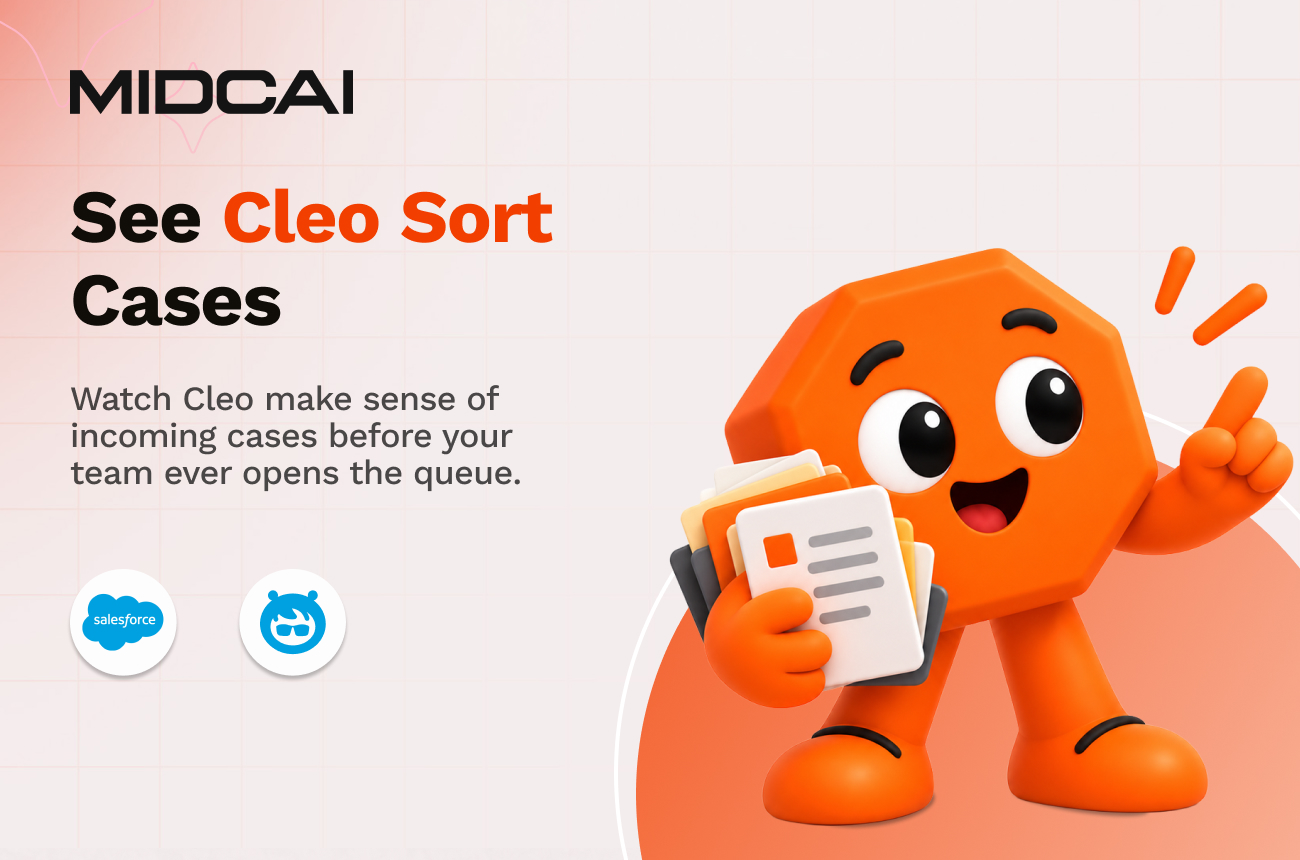
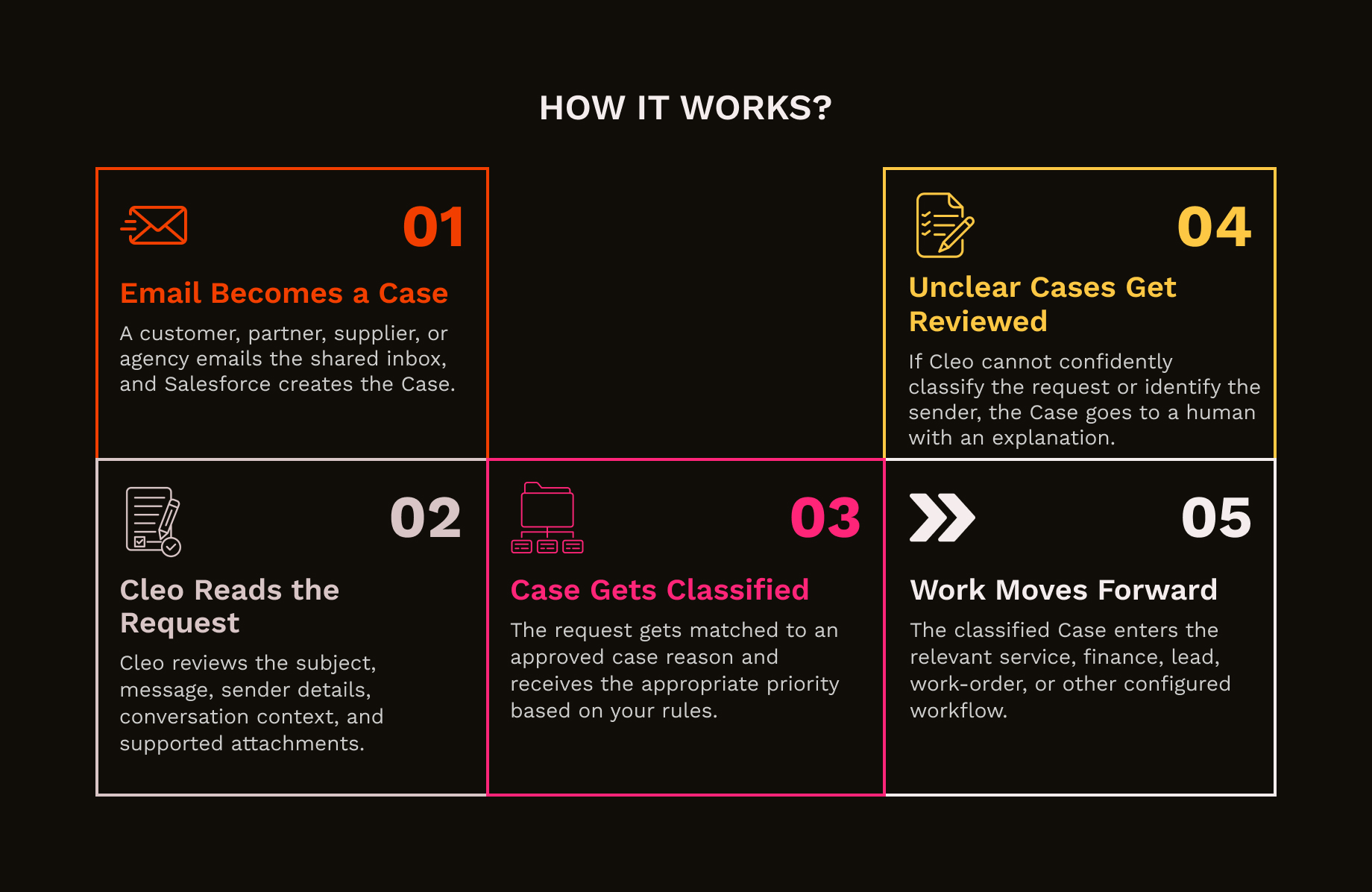
Someone usually has to read the email before the real work can begin. Cleo handles that first step. Powered by Agentforce, Cleo reads incoming Case emails and supported PDF attachments, identifies what the sender needs, matches the request to your approved case reasons, connects it to the right customer record, and sets the priority. If the request is unclear, Cleo sends it for human review with the reason attached.
Reads the subject, full message, conversation context, and attachments together to understand what the sender actually wants, instead of relying on keywords alone.
Works with the case reasons your team already approves in Salesforce. Add, change, or retire categories as your service process changes.
Applies your priority rules when a request could fit more than one category, helping urgent work move ahead of routine enquiries.
Reads supported PDF attachments alongside the email, so work orders, quote requests, invoices, and other documents become part of the classification context.
Matches the sender to the relevant Contact and Account in Salesforce. If more than one record matches, Cleo flags the conflict for review instead of choosing one.
Sends incomplete, conflicting, or unclear Cases to a person and explains what made the request uncertain.
Records the classification and supporting reason, giving teams a clear trail when they need to review how a Case entered a category or queue.
A service inbox receives quote requests, bookings, cancellations, complaints, invoices, and general enquiries throughout the day. Instead of someone sorting them one by one, each Case enters the queue already classified and prioritised.
A customer replies “Yes, go ahead” halfway through a long quote thread. Cleo reads the conversation around the reply, identifies the decision, and sends the Case into the right follow-up process.
A frustrated customer sends a long email with photos attached, but the subject line looks harmless. Cleo identifies the complaint from the full message and routes it according to the priority rules before it sits behind routine requests.
A contractor sends a work order as a PDF with barely any detail in the email body. Cleo reads the attachment with the message, classifies the request, and moves it into the right operational workflow.
The inbox is already full. Let Cleo read first, rank what matters, and send each Case in the right direction.